
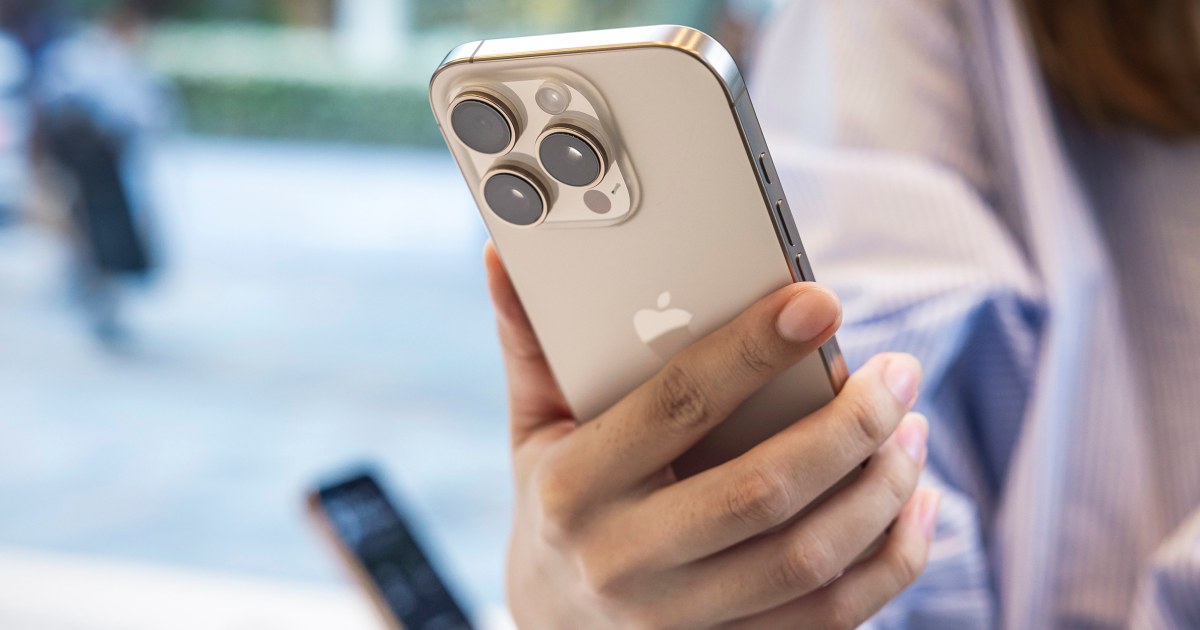
Apple Urges iPhone Users to Update Their Software
Apple is encouraging all iPhone users to update their devices to the latest version of the iOS operating system. This warning comes after new research has revealed vulnerabilities in older versions of iOS, which can be exploited by hackers to gain access to sensitive user data. What's the Issue? The issue lies in the fact that many iPhone users are still running older versions of iOS, which are no longer supported by Apple. This means that these devices do not receive the latest security patches and updates, making them more vulnerable to hacking attempts. The new research has pointed to several vulnerabilities in these older versions, which can be used by hackers to launch mass hacking campaigns.Why is it Important to Update?
Updating to the latest version of iOS is crucial for several reasons. Firstly, it ensures that your device has the latest security patches and updates, which can protect it from known vulnerabilities. Secondly, it provides new features and improvements that can enhance the overall user experience. Finally, it ensures that your device is compatible with the latest apps and services. What Are the Risks of Not Updating? If you don't update your iPhone to the latest version of iOS, you risk exposing your device to several threats. These include:- Malware and virus attacks: Older versions of iOS are more susceptible to malware and virus attacks, which can compromise your personal data and damage your device.
- Data theft: Hackers can exploit vulnerabilities in older versions of iOS to steal sensitive user data, including passwords, contacts, and financial information.
- Device takeover: In severe cases, hackers can take control of your device, using it to launch further attacks or spread malware.
How to Update Your iPhone
Updating your iPhone to the latest version of iOS is a simple process. Here are the steps to follow:- Go to Settings: Open the Settings app on your iPhone and tap on "General".
- Tap on Software Update: Scroll down and tap on "Software Update".
- Check for Updates: Your iPhone will check for available updates. If an update is available, tap on "Download and Install" to begin the update process.
- Install the Update: Follow the prompts to install the update. Make sure your device is connected to a power source and has a stable internet connection.
Stay tuned to Newsvibe724 for more updates.



0 Comments